
Find movies your group can stream tonight
Choose the streaming services you use and share their availability with a watchlist. Selected Plex libraries can also be included. The watchlist then shows which films your group can stream.
Choose your country and streaming services
Select your country and streaming services in your account settings. You can then see which films are included in your subscriptions. Rental and purchase offers may also be listed, but they do not count as included in a subscription.
Share availability with a watchlist
For each watchlist, you decide whether your streaming services or Plex libraries are included when the group chooses a film.
Check where a film is available
The film page lists available streaming services and shared Plex libraries. The film card on the watchlist already shows whether the film is available to your group.
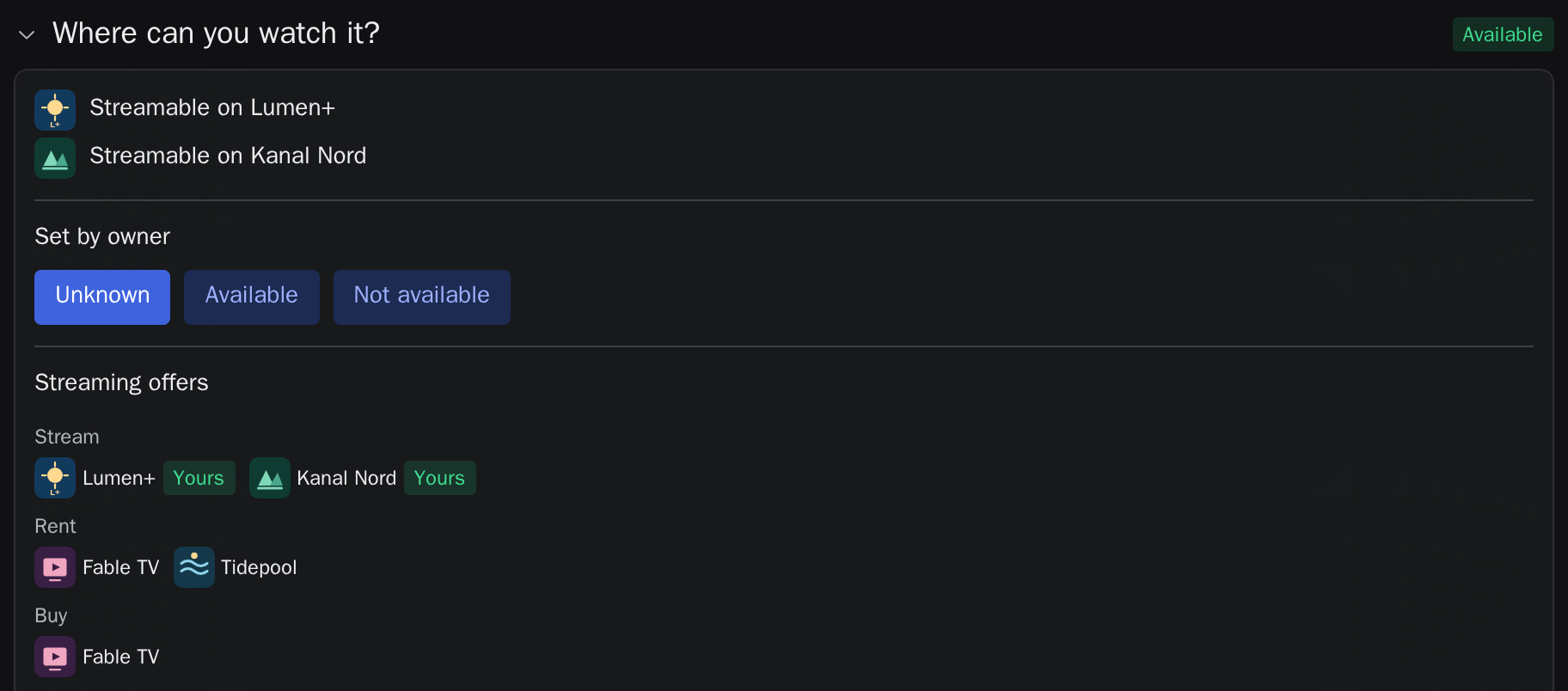
Filter by available films
Use the availability filter to show only films marked as available to your group. All other films remain saved on the watchlist.
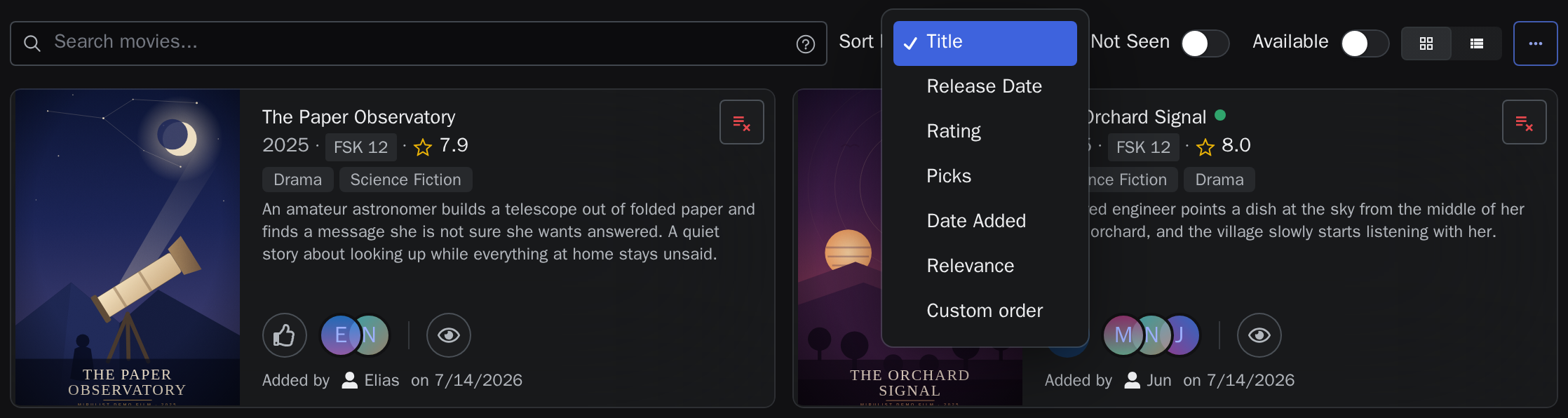
Include films from Plex
Connect Plex, select the libraries you want to use and share the connection with a watchlist. Films from those libraries count as available there. If a selected film is available on Plex, you can open it in Plex Web from the movie night page. Learn more in the guide to planning a movie night with Plex.
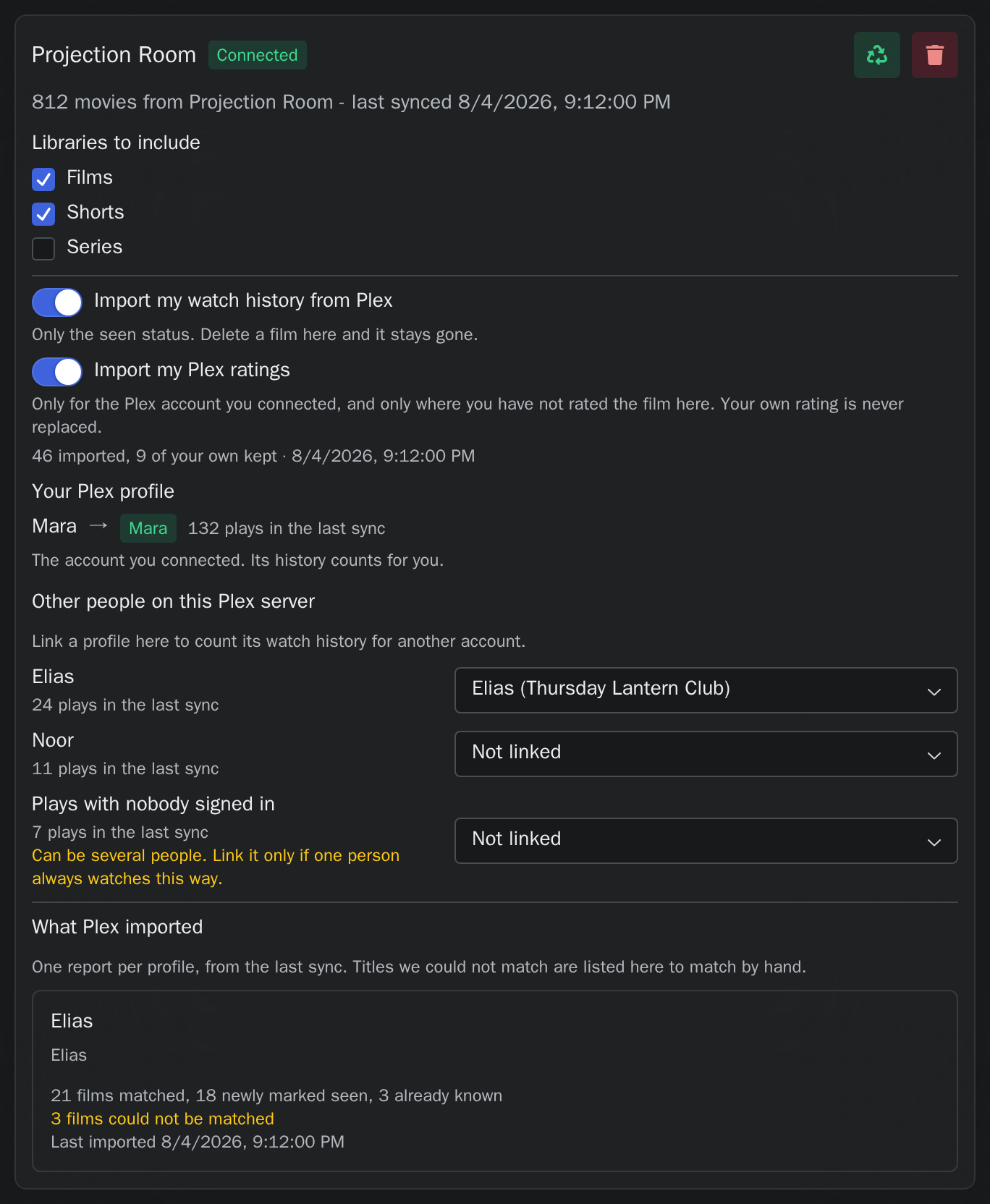
Hear when a film you voted for becomes available
Turn on "Movies I voted for become available" in your notification settings. When a film you voted for appears on a streaming service or Plex library shown in that watchlist, you get one message by email or push. It names the film, where it is available and the watchlists you voted in. Each film is reported once, and films you have already seen are left out.
Common questions
Can other people see my subscriptions?
Other members can see where a film is available when you share that information with the watchlist. They do not see a separate overview of your subscriptions or your complete Plex library.
Can I share availability separately for each watchlist?
Yes. For each watchlist, you choose whether to include your streaming services and Plex libraries.
Which offers count as available?
Films from your selected streaming subscriptions and shared Plex libraries count as available. Rental and purchase offers are listed separately.
What if availability data is missing?
The film remains on the watchlist. When you turn on the availability filter, only films with a matching option are shown.