
Import a Letterboxd, IMDb or RSS watchlist
Import your film collection from Letterboxd, IMDb, a public movie list or a feed. Your group can then vote on the shared watchlist and plan the next movie night.
Start from your watchlist
Open the watchlist and choose Import. As its signed-in owner, you pick another watchlist, a Letterboxd or IMDb file, or a TMDB list or feed. Manage imports shows the imports that are already running. Signed-in members add watchlists of their own. Anyone signed in who belongs to the list can bring their votes along.
Import a CSV file
Letterboxd and IMDb both provide CSV exports. Upload the file, preview how rows will be read, and add the matched films to your watchlist. Ratings, watch dates, reviews and notes can be imported when they are included in the file.
Follow a feed that keeps updating
A Letterboxd RSS feed, a Trakt-style feed, a public list from the movie database, or another RSS or Atom feed of films can be used as a source. New entries arrive later without another manual export.
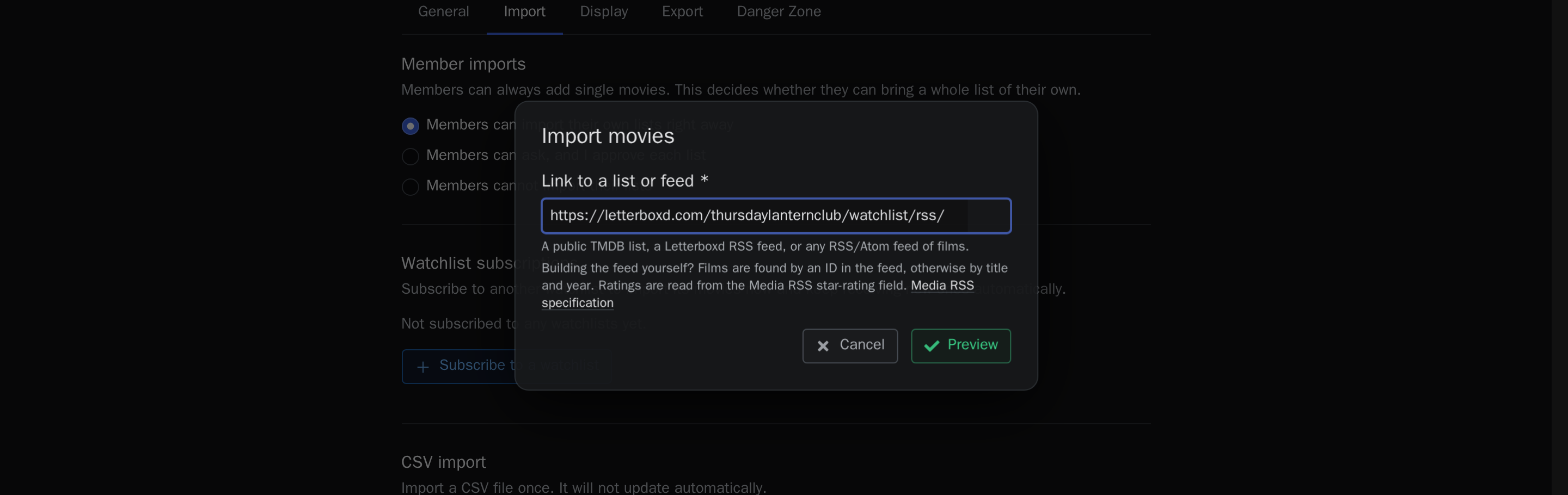
Assign ratings and viewing history to a member
Imported ratings can be assigned to individual members. During the import, you choose how the rating scale should be read. A preview of the converted ratings appears before the import. Rated films are marked as seen for the selected person. Existing ratings are kept unless you allow replacement.
Review unclear matches before they enter the list
If an ID is available, it is used to identify the film. Otherwise, films are matched by title and year. You can assign ambiguous rows yourself.
Choose from the imported films together
After the import, your group can vote on the films, check their availability, add notes and suggest films for a movie night.
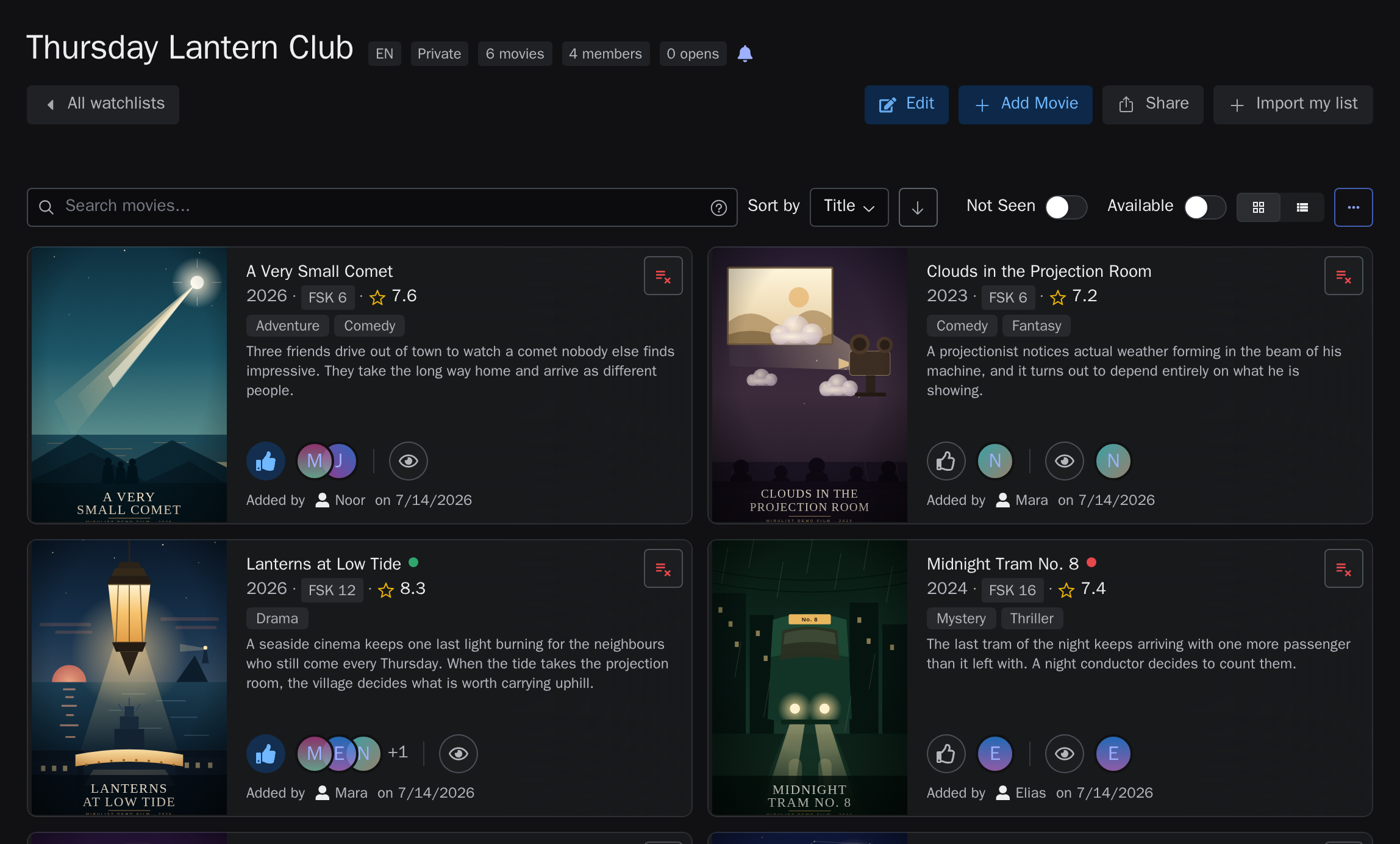
Export the watchlist for other applications
You can enable export links for a watchlist. The list is then available as an RSS or JSON export, including for Radarr-style applications that use stable film IDs. Learn more in the guide to making a watchlist's films available with Radarr and Plex.
Common questions
How do I export my Letterboxd watchlist?
Letterboxd offers a data export in account settings, including watchlist and ratings CSV files. Those files are what you upload here.
Can I import from IMDb too?
Yes. IMDb list exports are CSV files and are read through the same import flow.
Will an RSS feed stay in sync?
Yes. A CSV import runs once. An added feed continues to receive updates from the original source.
Can imported notes become public?
Only if the watchlist itself is public. Notes on a private list stay with its members and the people an owner shared the list with.