
Make a watchlist's films available automatically with Radarr and Plex
Your group collects the films it wants to watch on a shared watchlist. If you run Plex and Radarr, the same list can also fill your library. On movie night you then see which of the films are ready to play.
What Radarr does for your film collection
Radarr manages a list of films you want to have. It looks for them in the sources you set up and files them in the library Plex plays from. Together with Sonarr for series, Radarr forms what is known as the Arr suite.
You decide which sources Radarr uses. Community projects such as MediathekArr, for example, connect the media libraries of the German public broadcasters ARD and ZDF.
Pass the group's film picks straight to Radarr
Radarr can subscribe to lists and takes every new film from them. A MiruList watchlist works as such a list. When someone in your group suggests a film, it reaches Radarr automatically. You still decide in Radarr what happens with it.
Export the watchlist and import it into Radarr
Turn on the export in the watchlist settings. Copy the Import list link (JSON) and add it to Radarr as a Custom List. The link contains every film on the watchlist.
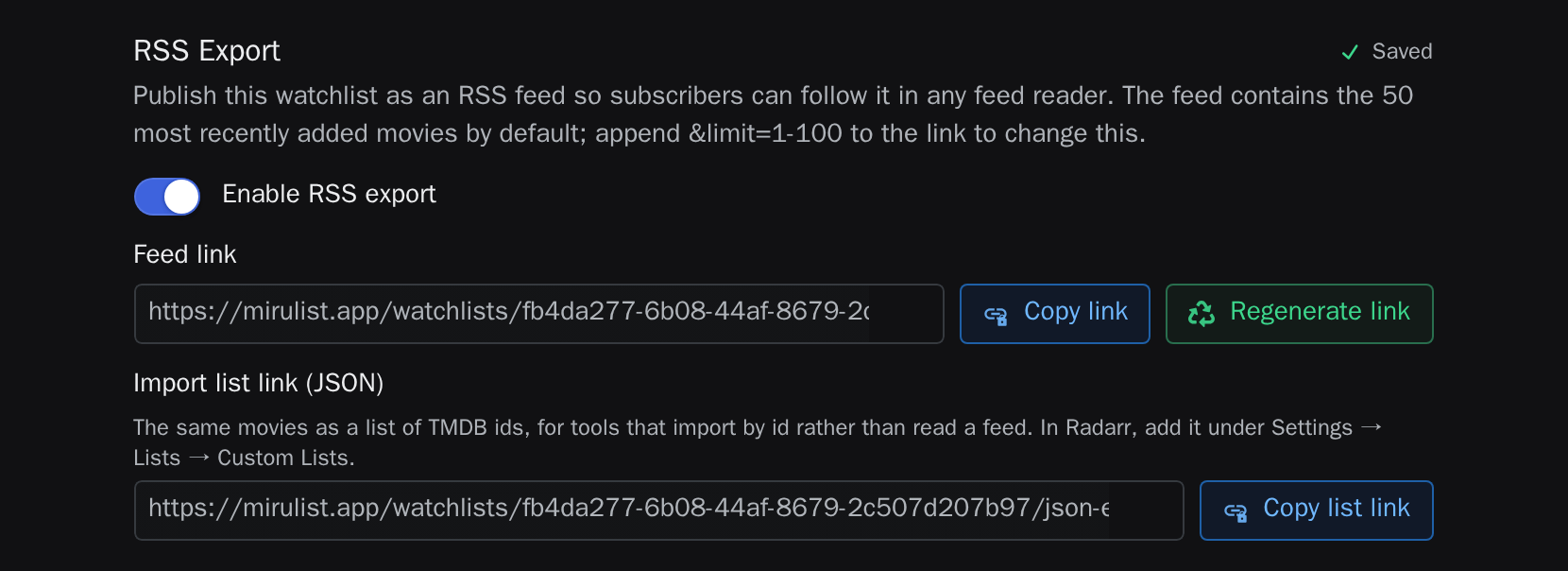
Films stay on the list after they are marked as seen. When you remove a film from the watchlist, Radarr's Clean Library Level setting decides whether it stays in your library.
See which films are ready on movie night
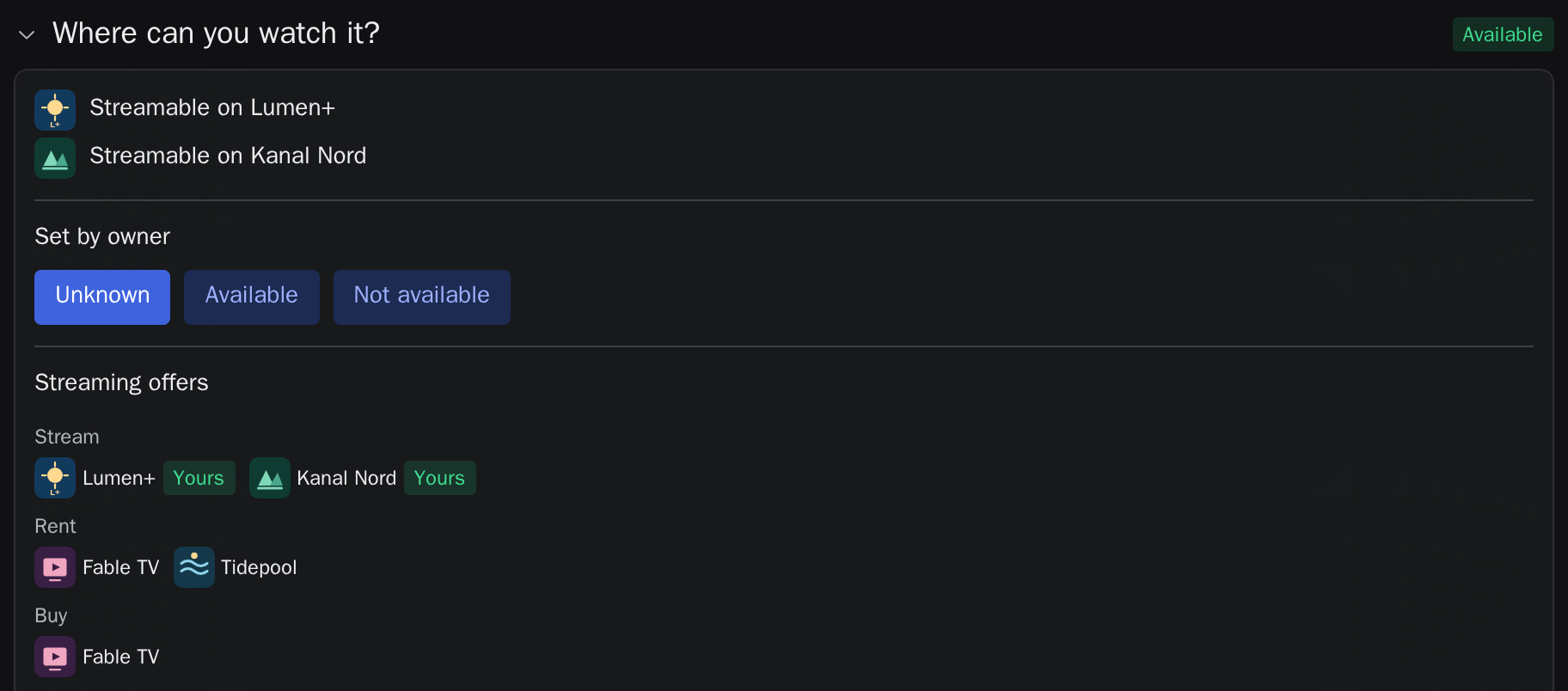
Connect Plex, select the libraries Radarr fills and share the connection with the watchlist. With each regular sync, the films in those libraries count as available on the watchlist. The availability filter then shows only those films. Once the film for the evening is settled, Open in Plex takes you straight to it. Learn more in the guide to planning a movie night with Plex.
Common questions
Does your group need Radarr or Plex?
No. Everyone else votes and plans as usual. They see which films are ready to play, but not your whole library.
Why can't Radarr read the list?
Radarr opens the link without a MiruList account. That only works while Export access is set to Everyone with the link, which is the default. If you regenerated the link, add the new link to Radarr.
Does MiruList download films?
No. MiruList provides the list. What Radarr does with it is set up in Radarr.
Does this work with Jellyfin or Emby?
The export works with any application that reads a list of TMDB IDs or an RSS feed. Availability on the watchlist currently comes from streaming services and Plex.